Travel guide
New to Saudi Arabia?
Review coverage context, setup notes, data tips and destination FAQs before your trip.
Plan selection
Compare daily and total-data options for Saudi Arabia. Validity and fair-use conditions stay visible before checkout; confirmed network details appear only when recorded for the selected plan.
Trip lengthChoose the closest match for your trip
Available plans
Quick plan finder
Choose the usage pattern closest to your trip. We will suggest an available plan style, explain the trade-off and take you back to the matching options.
What sounds most like your trip?
Maps, chat & light social use
A balanced starting point for most independent travelers.
Destination briefing
Coverage is strongest in cities, airports and along major travel routes.
Maps, messaging and translation use less data; video and hotspot use need more.
Install on Wi-Fi before departure, then enable the travel line after landing.
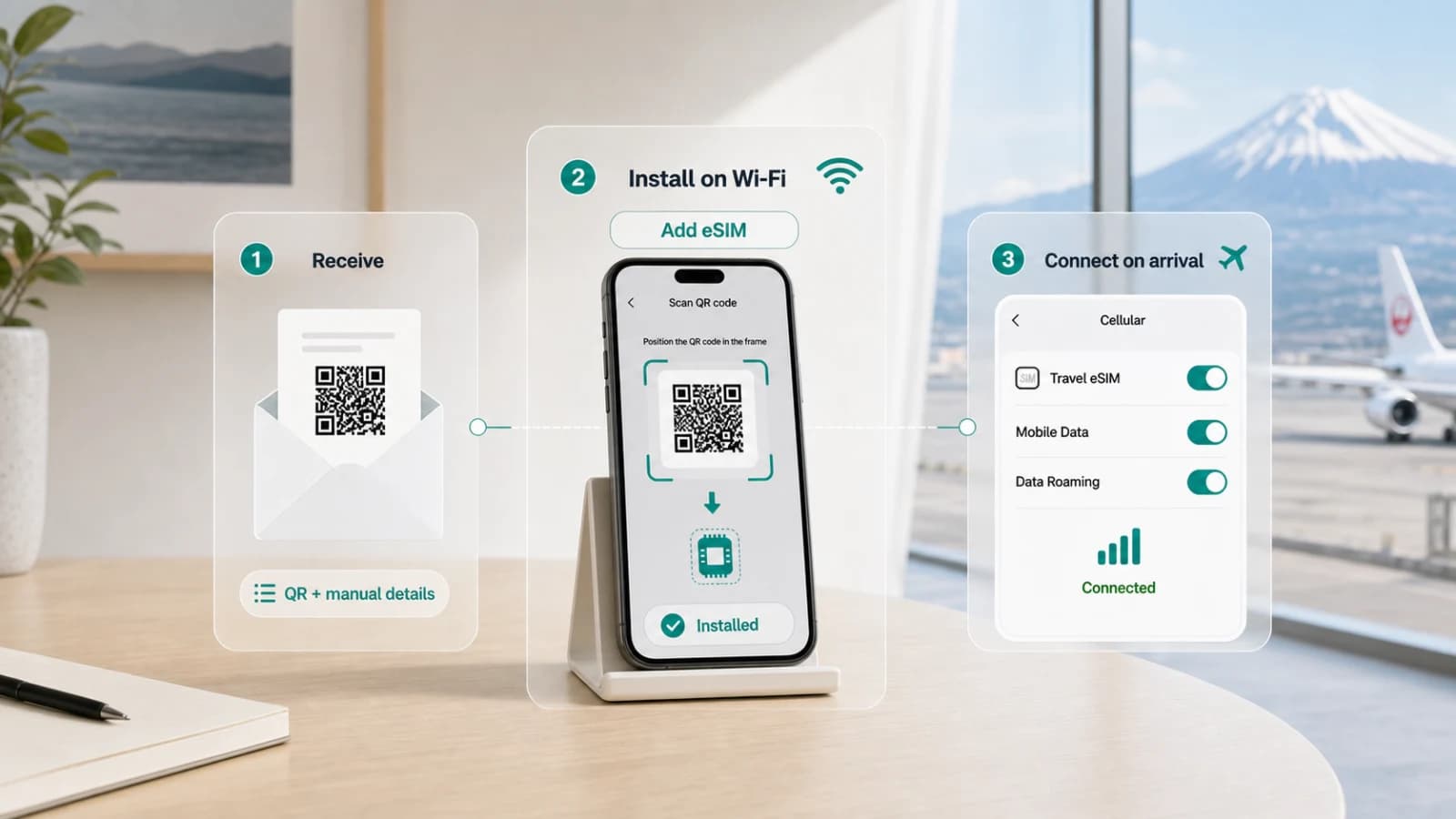 53-second walkthrough
Setup & activation
See the complete flow once, then keep the full guide nearby.
Install with confidence
Download the eSIM while you still have Wi-Fi, then enable data roaming only for the Saudi Arabia travel line on arrival.
FAQ
Travel guide
Review coverage context, setup notes, data tips and destination FAQs before your trip.
Saudi Arabia travel eSIM
Saudi Arabia eSIM
Compare daily and total-data options for Saudi Arabia. Validity and fair-use conditions stay visible before checkout; confirmed network details appear only when recorded for the selected plan.
Before you buy
Your QR code and manual details arrive by email.
Add the eSIM on Wi-Fi and name it “Saudi Arabia”.
Select it for mobile data and enable roaming at Saudi Arabia.
Related
Nearby destinations we have curated